CircuitOS
A downloadable tool for Windows
Give your Twitch viewers a collection to complete
Turn a channel-point redemption into a collectible item revealed on stream. Viewers keep their inventory, check what they are missing, and salvage duplicates.
Download free for Windows · No subscription · Open source
See a sample reveal
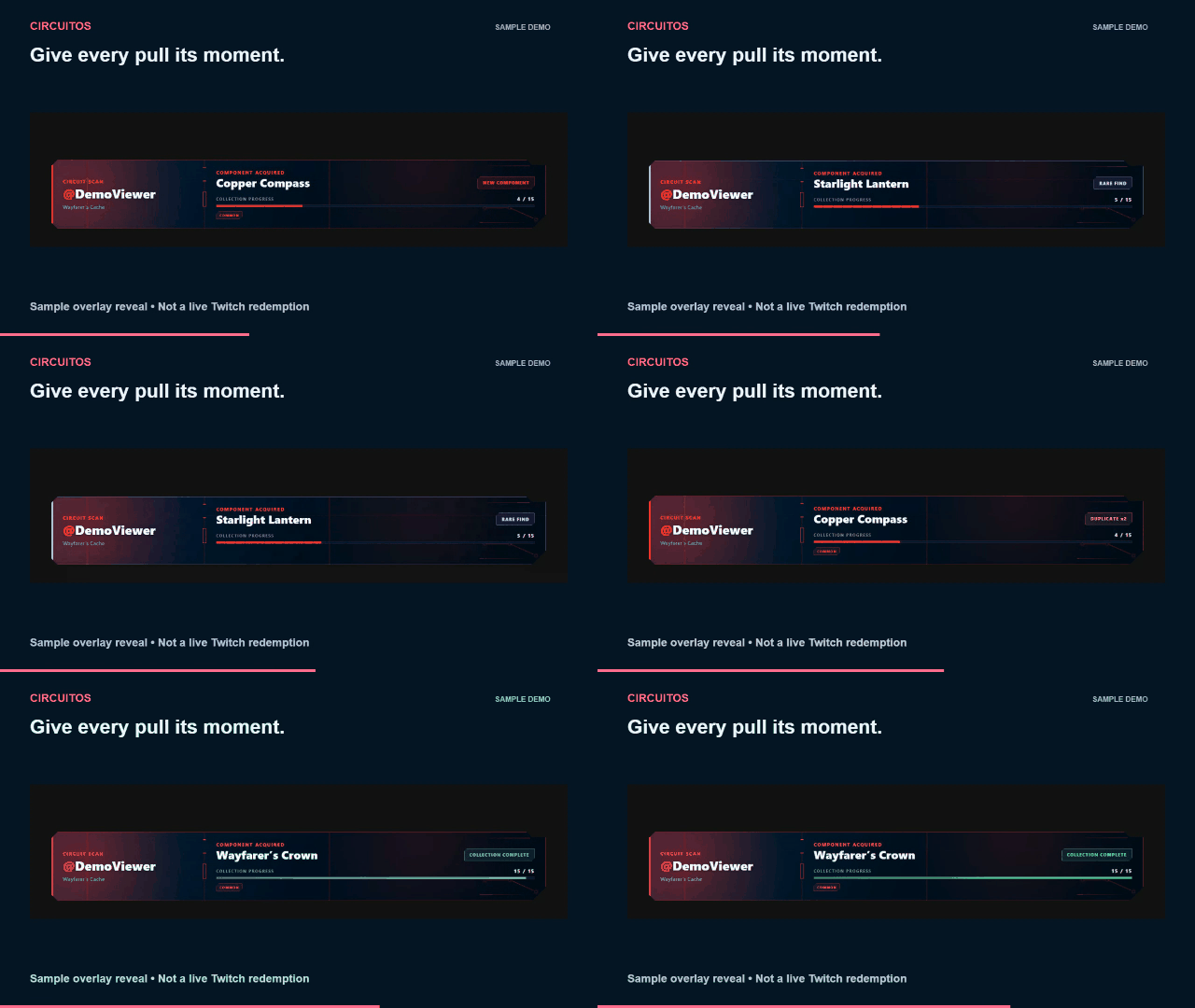
Sample data in the real app—not a live Twitch redemption.
Make it your channel’s collection
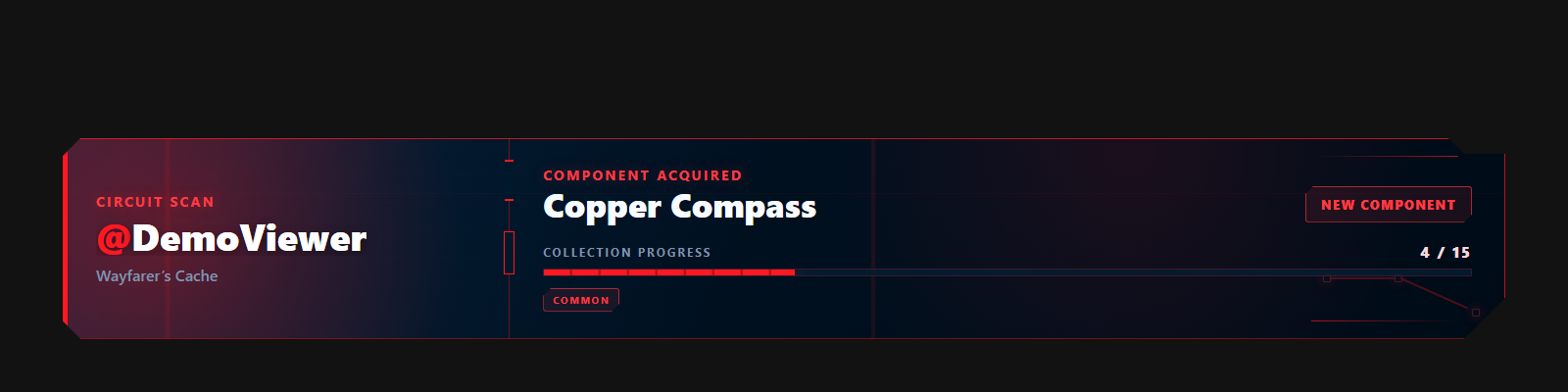
- Redeem: a viewer spends Twitch channel points to pull an item.
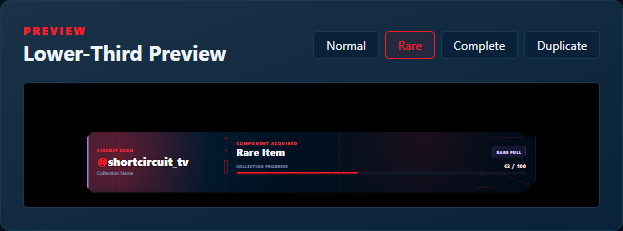
- Reveal: the result appears in chat and your OBS overlay.
- Collect: viewers keep their items and use chat commands to check their collection or salvage duplicates.
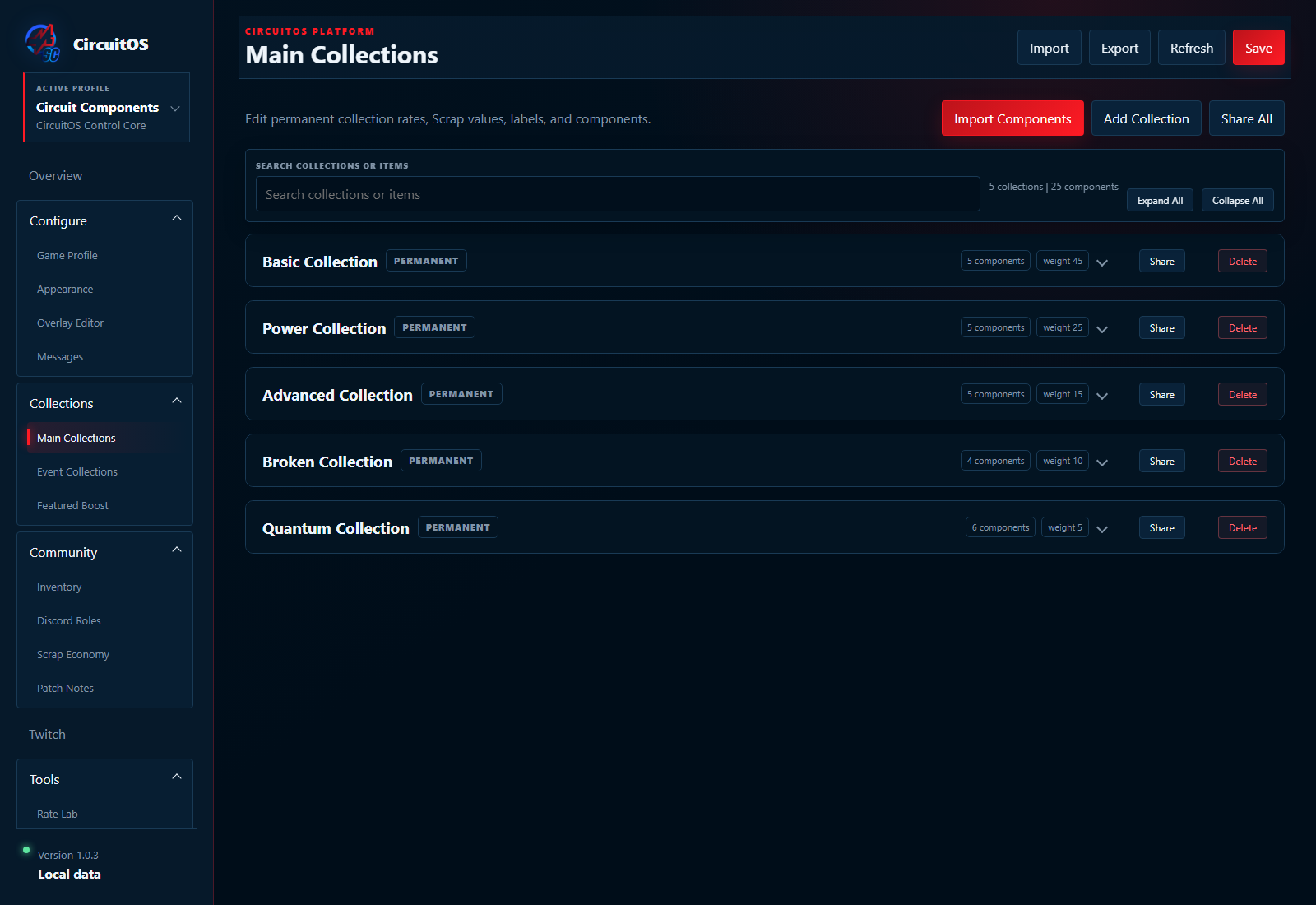
Start with the free fantasy loot, cozy cafe, or space discoveries packs—15 original items per pack—or build your own. Customize items, rarity tiers, variants, seasonal collections, and overlay colors.
What you need
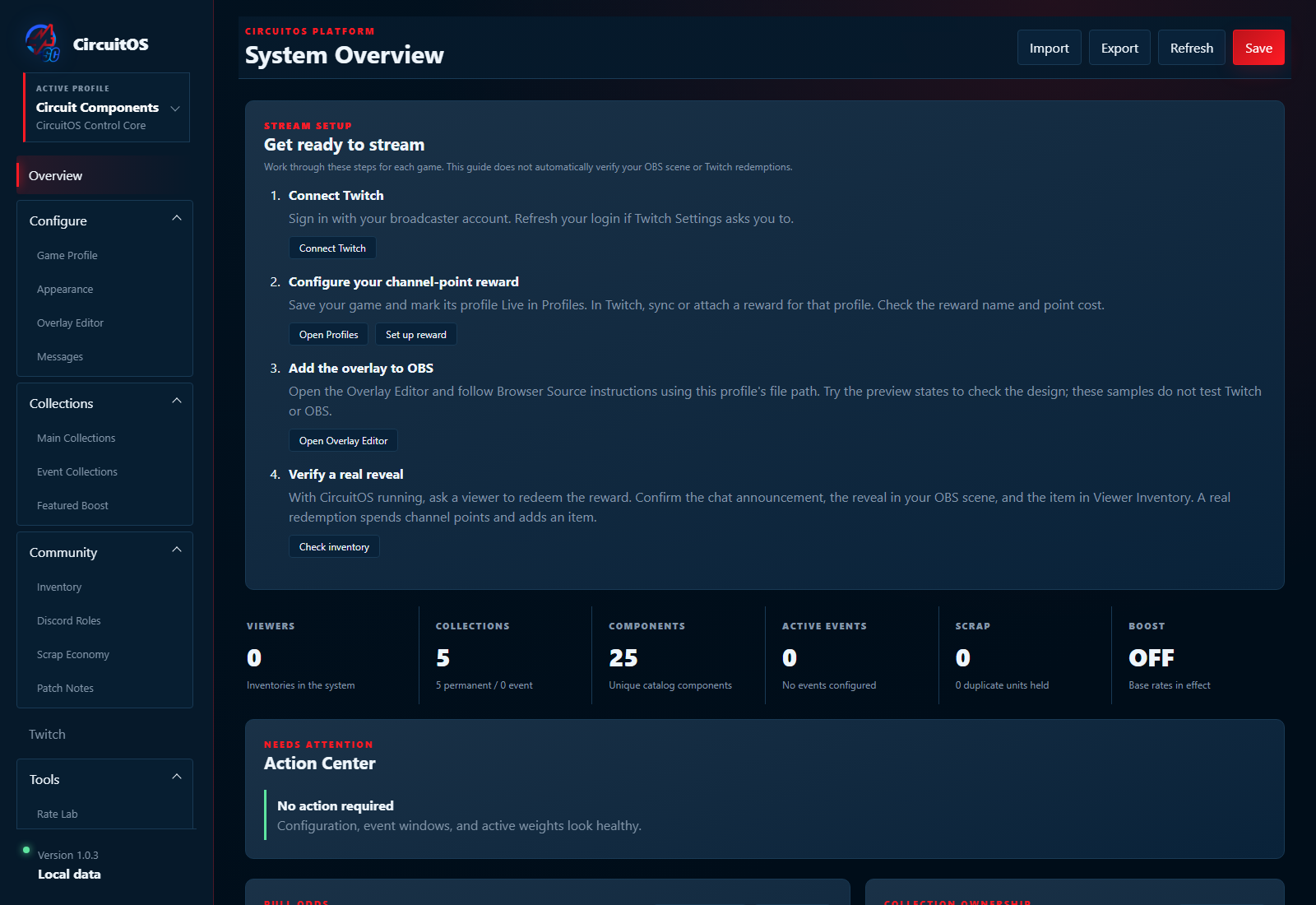
Windows x64, a Twitch channel with channel-point rewards for live redemptions, and an OBS Browser Source for the on-stream reveal. Connect through native Twitch login. Data stays local by default.
Follow the setup guide · Get help or report a problem
Downloads and project details
Current release: 1.0.4. Includes slider alignment fixes and a setup guide that remembers being collapsed. Read the update notes.
The Windows installer is unsigned; Windows may show an unknown-publisher warning. Release files and SHA-256 checksums. The starter pack ZIP and full 36-second sample demo are available below.
Free under the MIT license. View the source. Optional Appwrite storage requires your own configuration. Independent project, not an official Twitch or OBS product. Development uses AI coding assistance.
Trying it for the first time? Tell us which collection theme you chose and where you got stuck during setup.
Download
Install instructions
Windows x64: run CircuitOS-win-Setup.exe and follow the wizard and Get ready to stream guide. Verify the unsigned installer against the GitHub v1.0.4 SHA-256 checksum.
For Starter Collections, unzip and import a .circuitcollection file through Profiles > Import Module / Pack. Read the included README before making the new profile live.
Open the WebM sample-data demos in a compatible browser or media player.
Development log
Leave a comment
Log in with itch.io to leave a comment.